
Know what every lead cost you
Tie every lead back to the campaign, form and ad it came from, give each campaign its own agents, and see what each lead cost you.
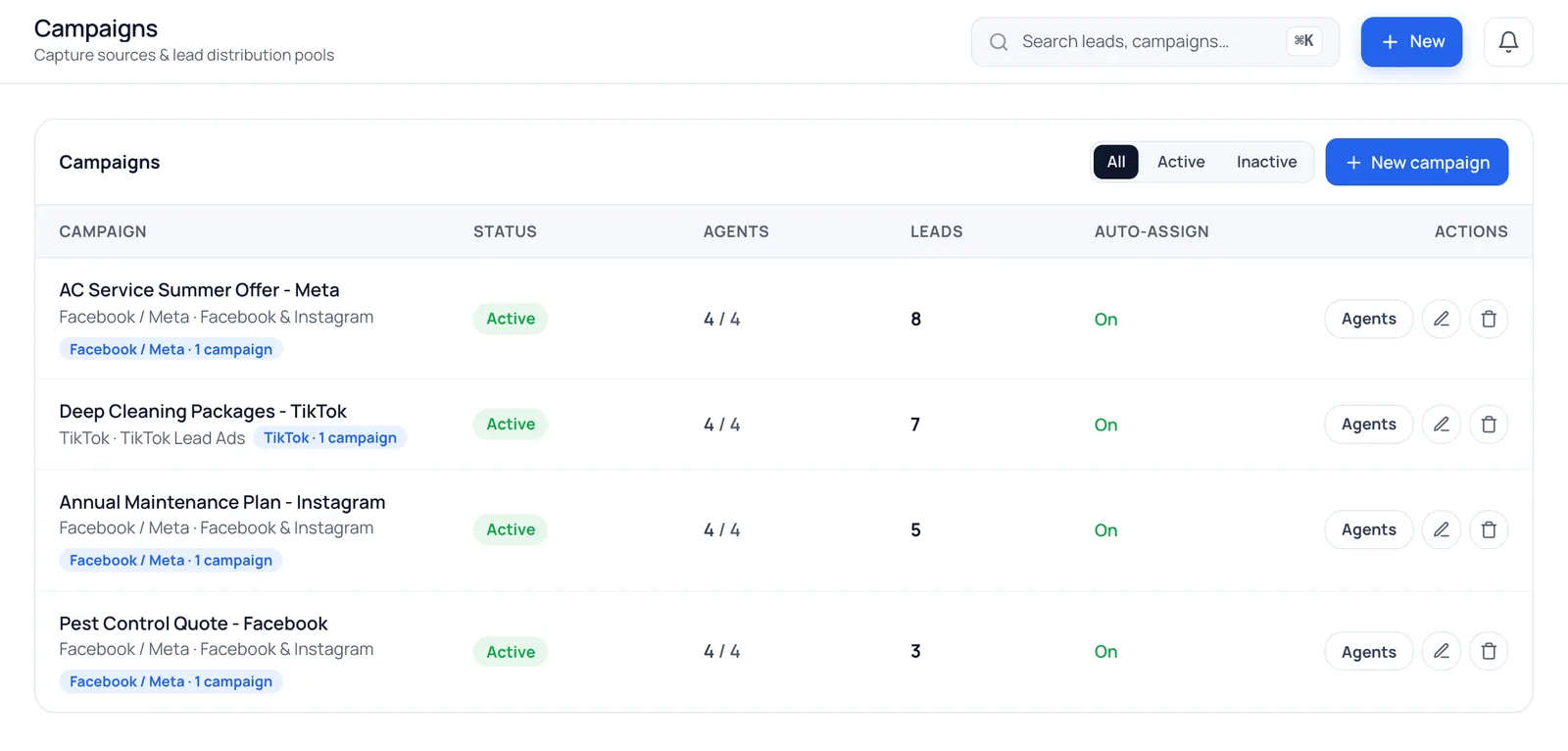
How do you track cost per lead for Facebook ads?
Connect your Meta ad account and map your existing Facebook and Instagram campaigns and forms in BrokLeads. Every lead is then tagged with its campaign, ad set, ad and form, and each campaign shows its spend, cost per lead, CPC and CPM next to the status of the leads it produced.
Every lead knows where it came from
Link the Meta campaigns and lead forms you already run, once. From then on every lead is tagged on arrival, with no manual sorting.
Meta campaigns & forms
Map existing Facebook and Instagram campaigns and forms. No need to rebuild anything.
TikTok leads
TikTok instant-form leads are captured and assigned too. Ad spend comes from Meta only.
WhatsApp & website pools
Chats and web enquiries without a campaign land in their own pools.
Calls, walk-ins & referrals
Offline sources are tracked too, so reports cover every lead.
What does each Facebook lead really cost?
Ad performance next to your leads
Connect your Meta ad account to see spend, cost per lead, cost per click and CPM for every campaign, then open that campaign's leads to see where each one stands.
- Spend, CPL, CPC and CPM
- Campaign by campaign, for any period
One campaign per product, with its own team
Running separate ads for two branches, or for a course and a workshop? Give each campaign its own rotation of agents, so leads go to the people who know that offer.
- Per-campaign lead lists and statuses
- Per-campaign agents and caps
- Jump straight into a filtered lead list
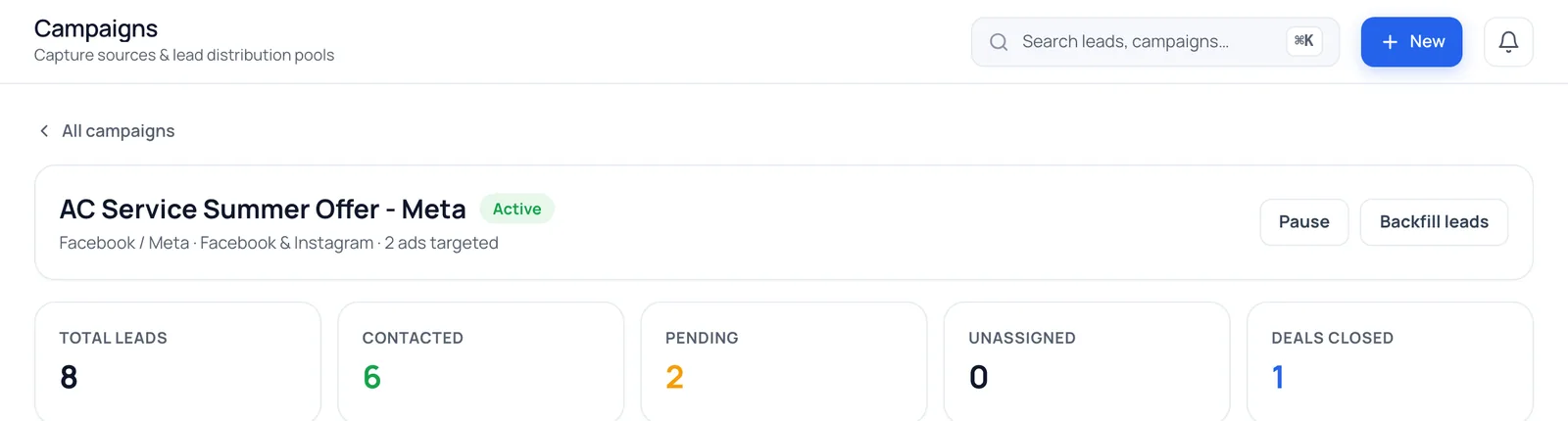
Cost per lead is only half the story
Most businesses run several Meta campaigns at once: a new product, a seasonal offer, a retargeting ad. Without attribution, every lead looks the same, and the budget is judged on cost per lead alone, even when the cheap leads never buy.
BrokLeads keeps the campaign, ad set, ad and form behind every Meta lead and shows each campaign's spend, CPL, CPC and CPM beside the leads it produced. Follow those leads through your pipeline to approved deals, and you can move budget to the campaigns that sell, not just the ones that fill forms. Pair it with the Meta Conversions API so Meta learns which leads buy, and see how leads get in with the Facebook lead ads CRM.
Questions about campaign reports
Do I have to recreate my Facebook campaigns?
No. BrokLeads maps to the campaigns and lead forms you already run in Meta. You link them once.
Can I see which source a lead came from?
Yes. Each lead records its source (Facebook, Instagram, TikTok, WhatsApp, website or a manual source such as a walk-in) and, for Meta ads, the campaign, ad set, ad and form.
Where does the ad spend data come from?
From your Meta ad account, once you connect it. BrokLeads shows spend, cost per lead, cost per click and CPM for each campaign.
Does it show TikTok ad spend?
Not today. Spend and cost per lead come from your Meta ad account. TikTok leads are captured and assigned like any other lead, but their ad spend isn't pulled in.
See what your leads really cost
We'll map your live Meta campaigns in the demo.